01
Centralised File Server
Organise business files securely in one shared location.
Centralise, protect and manage your business data with trusted Synology solutions.
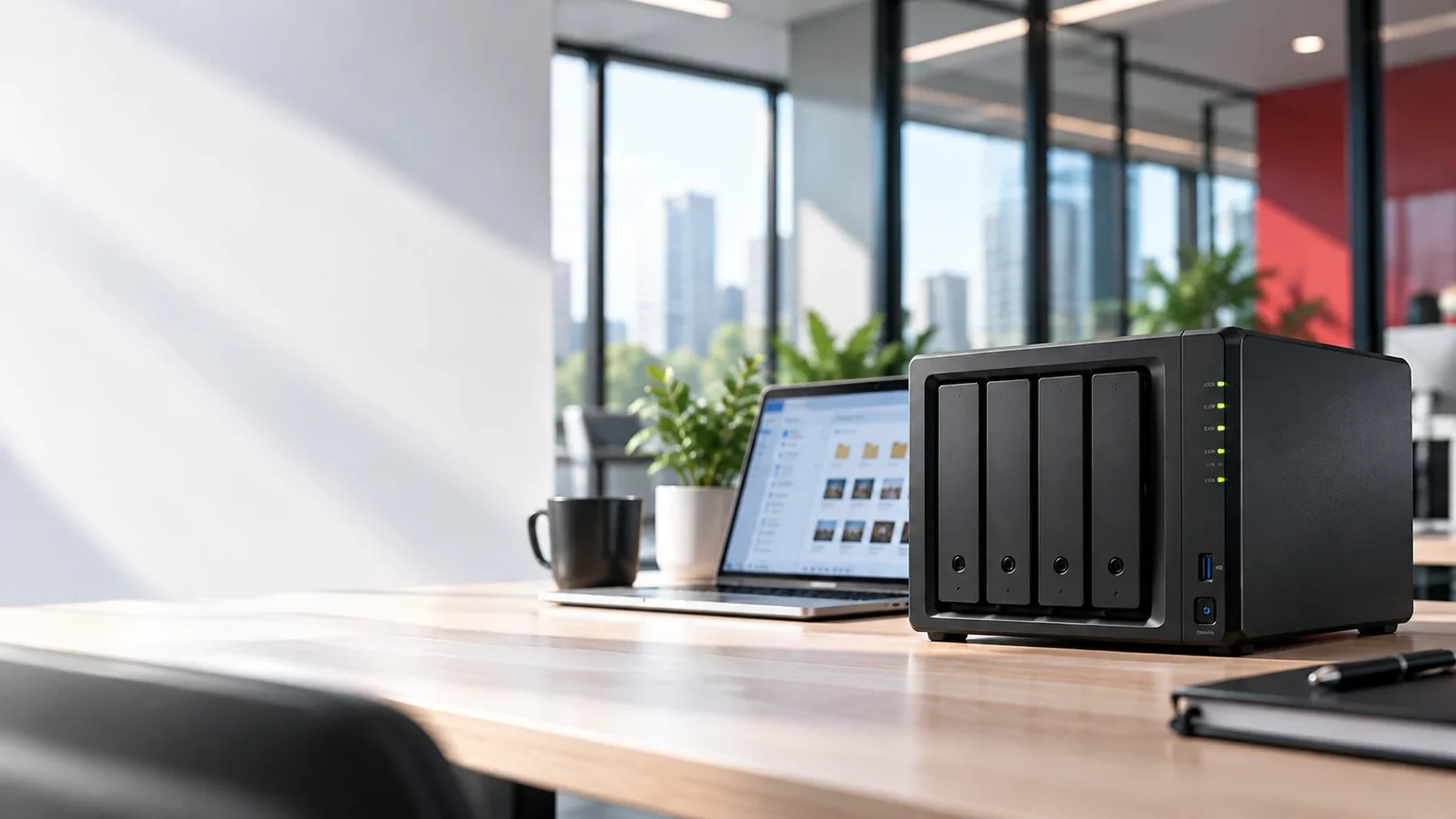
From initial planning to final setup, our team helps you build a reliable, secure data storage environment tailored to your business.
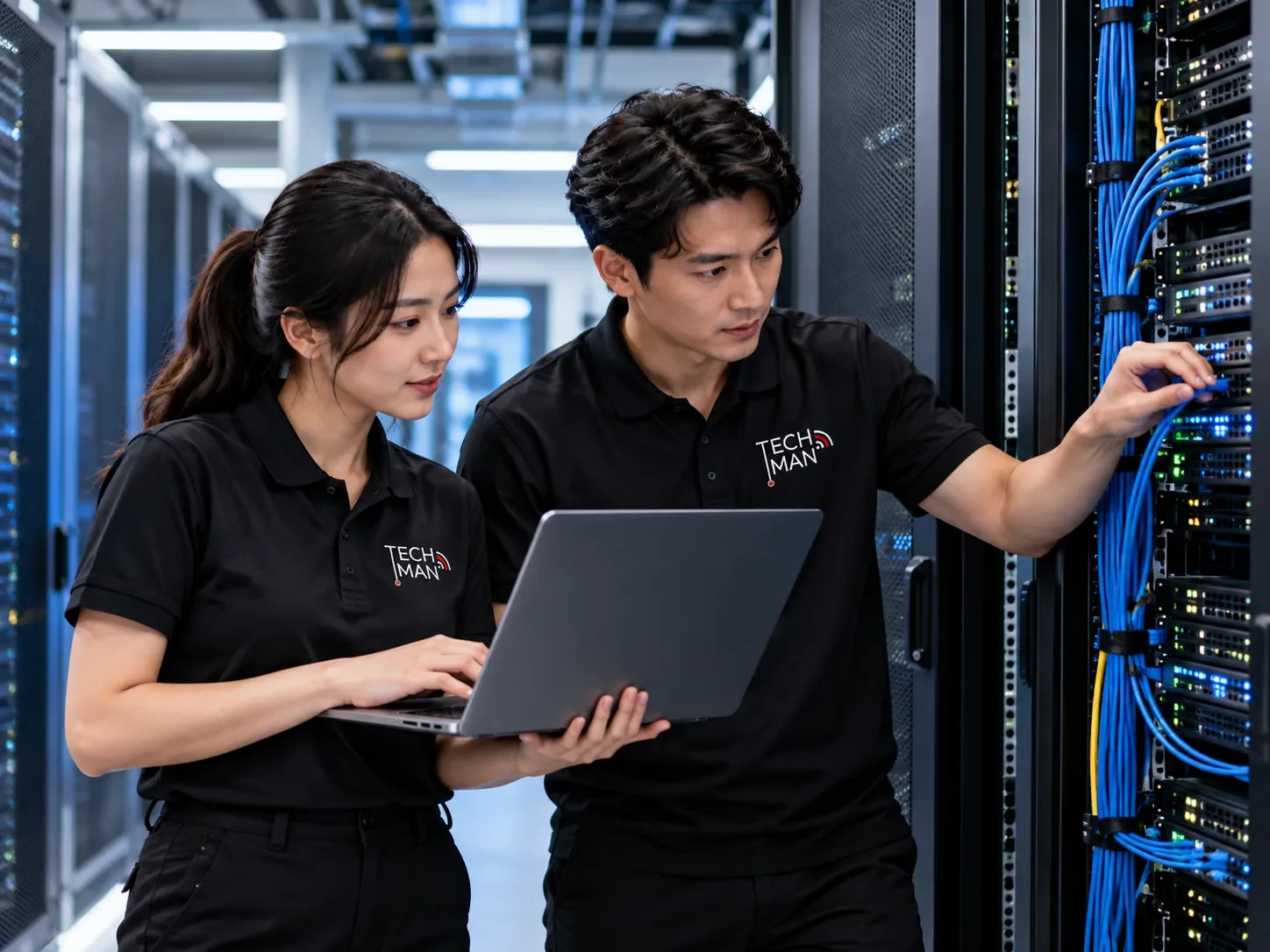
Organise business files securely in one shared location.
Plan independent backups and suitable recovery procedures.
Enable secure remote file access when appropriate.
Configuration, storage health checks and agreed technical support.
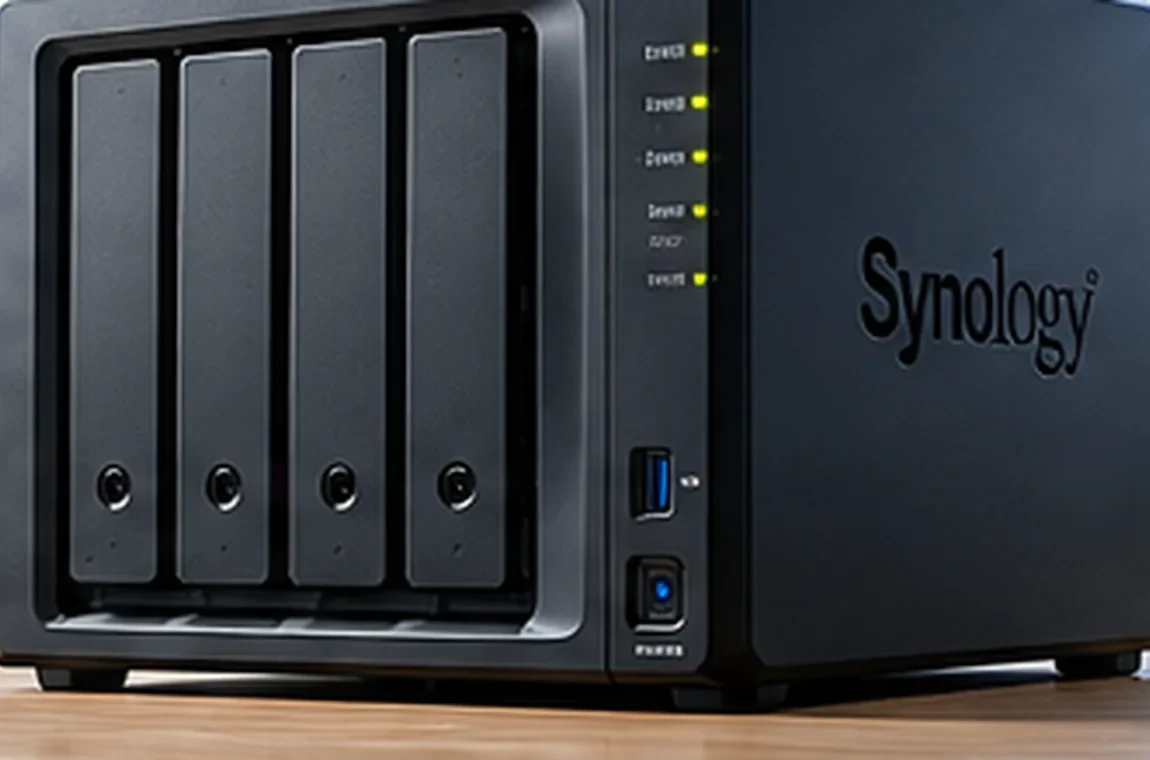 Product concept visual · illustrative
Synology NAS can bring storage, backup and file sharing together in one practical platform — helping your team stay organised.
Synology combines physical storage with compatible DSM applications for file sharing, backup and recovery. Correct model and package selection come first.
Central business storage
A NAS device selected for your data capacity, workload, drive requirements and future growth.
Product details
File sharing & synchronisation
Access, share and synchronise files through supported Synology Drive capabilities.
Product details
Endpoint & server backups
Centralised backup workflows for supported business devices and workloads.
Product details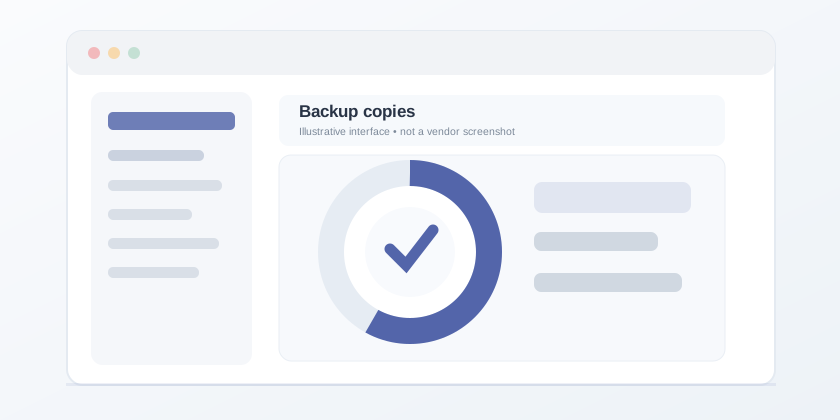
Independent backup copies
Back up supported NAS data to suitable external, remote or cloud destinations.
Product details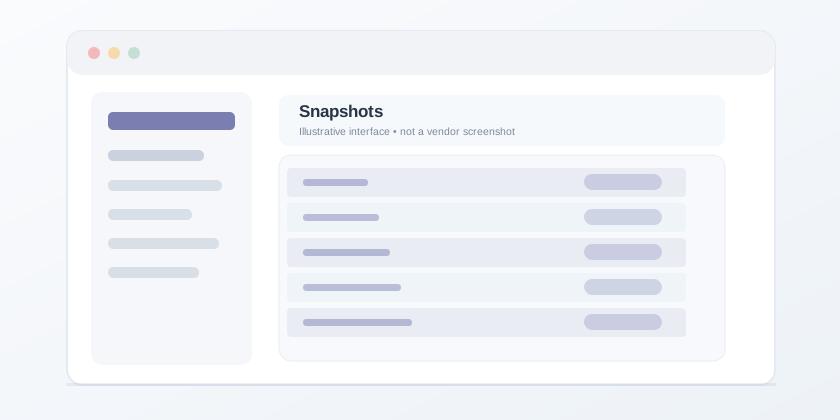
Point-in-time recovery
Snapshot-based protection where available on the selected NAS and storage configuration.
Product detailsProduct trademarks belong to their respective owners. Product options, licensing and available features depend on the selected plan, model or edition. Individual product marks are not substitute certificates of partnership.
A reliable and flexible data platform that helps your business stay productive and prepared.
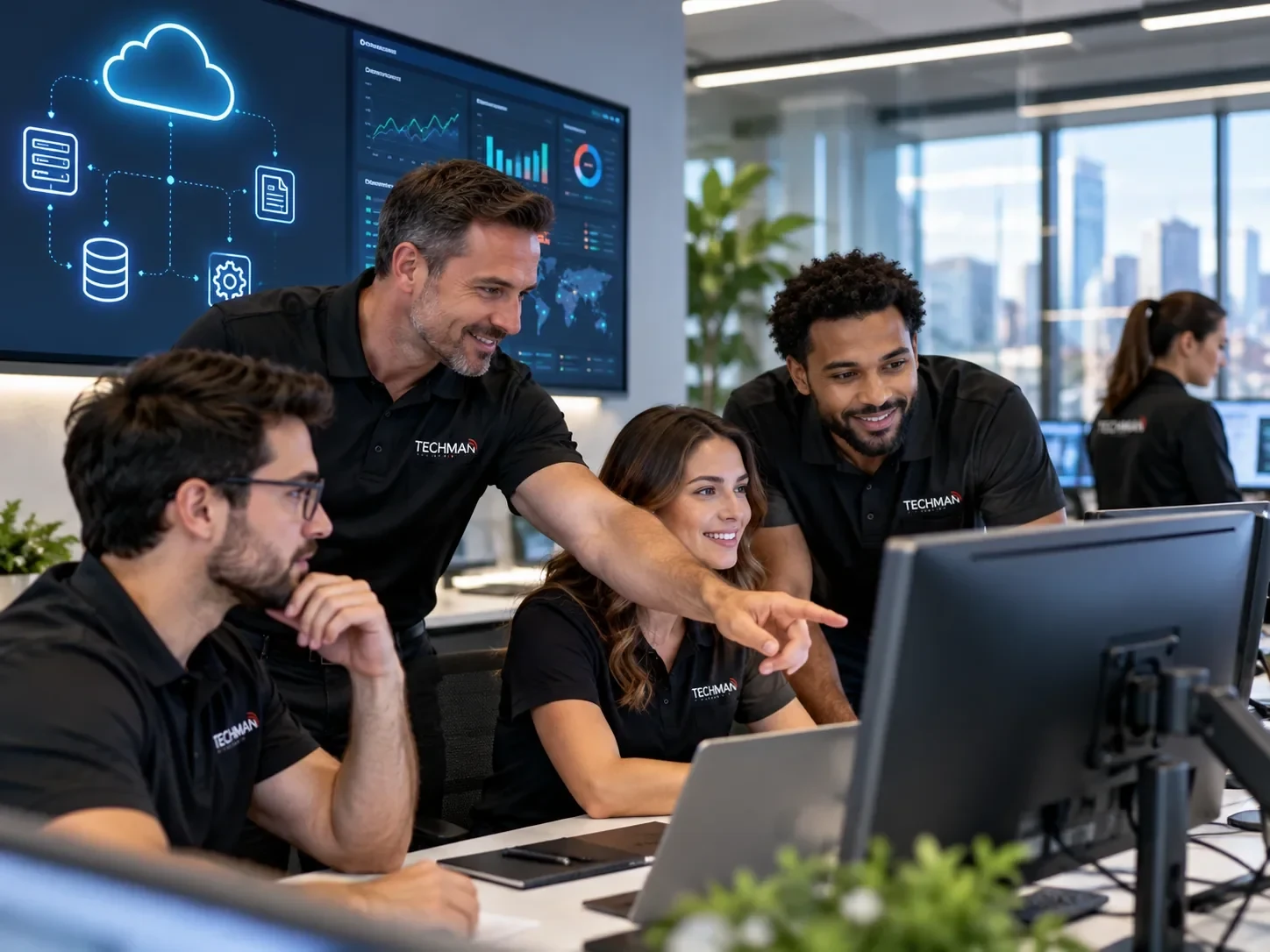
Keep files in one managed location accessible to authorised users.
Schedule supported backups and keep independent copies.
Plan and test suitable data recovery procedures.
Let your team share files with suitable permissions.
A proposed approach, not a real customer case or a guarantee against data loss. RAID is not a replacement for backup.
We listen to your requirements, recommend the right approach and agree on the implementation scope before work begins.
Understand storage size, users and access requirements.
Propose suitable Synology models and backup options.
Set up NAS accounts, folders and supported backup tasks.
Explain management and provide agreed maintenance.
Our recommendation begins with requirements, not a fixed product. Your quotation will clarify scope, licences, hardware and support arrangements.
Discuss your requirementsSelect NAS capacity, compatible drives and access needs
Configure sharing, independent backups and retention
Validate restore procedures and document maintenance
Clear answers before you plan your next technology project.
It can be. The best model depends on user count, data volume, performance, backup needs and budget.
No. RAID helps with drive redundancy but cannot replace a separate backup copy or a recovery plan.
Secure remote access can be configured where supported and appropriate for your network and security needs.
We can assess your current storage and plan file transfer, user permissions and cutover steps.
Depending on your model and configuration, file versions, snapshots and independent backups may provide recovery options.
Yes. We can discuss maintenance, backup monitoring and storage-health checks under an agreed plan.
Have a question about your situation? Talk to Techman directly.
Ask Techman on WhatsApp →