
 01
01Power BI Dashboards
See the story behind the numbers.
See the bigger picture. Make smarter decisions with data you can understand.
Bring the numbers that matter into an understandable picture — so decisions are easier to make.
Practical solutions designed around how your business works.
01See the story behind the numbers.
 02
02Bring important business measures into focus.
 03
03Connect information from different sources.
 04
04Spend less time preparing and more time reviewing.
See how a common business challenge could be approached with practical technology.
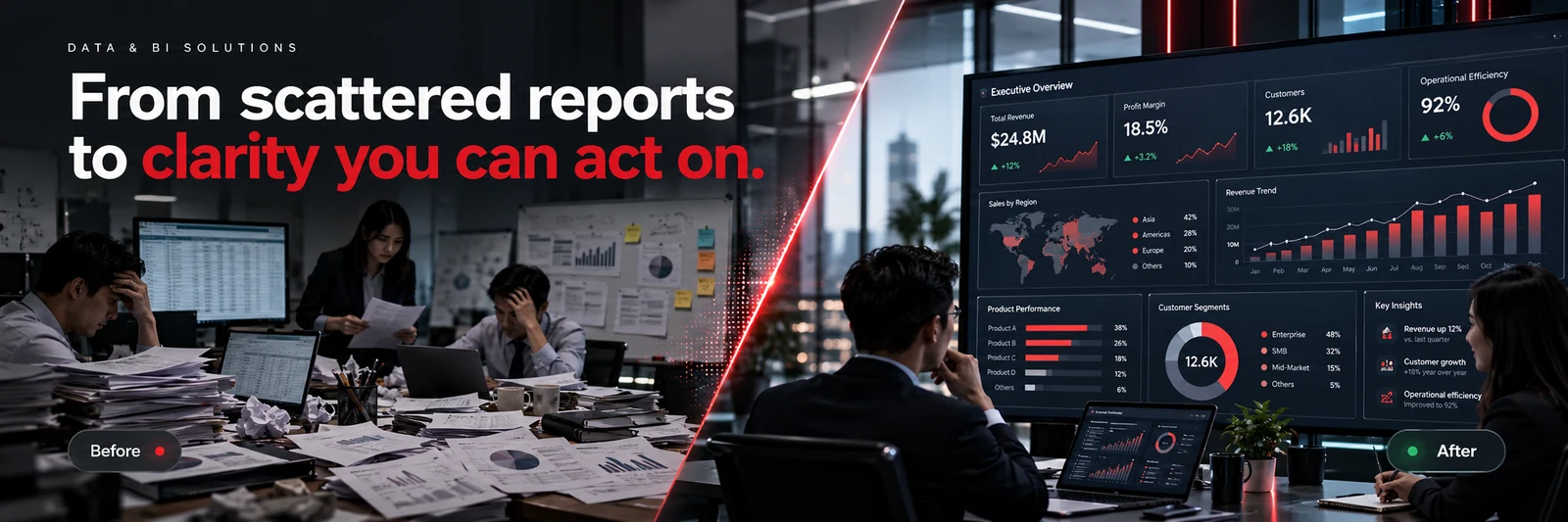
Good dashboards should make performance visible, useful and easy to discuss.

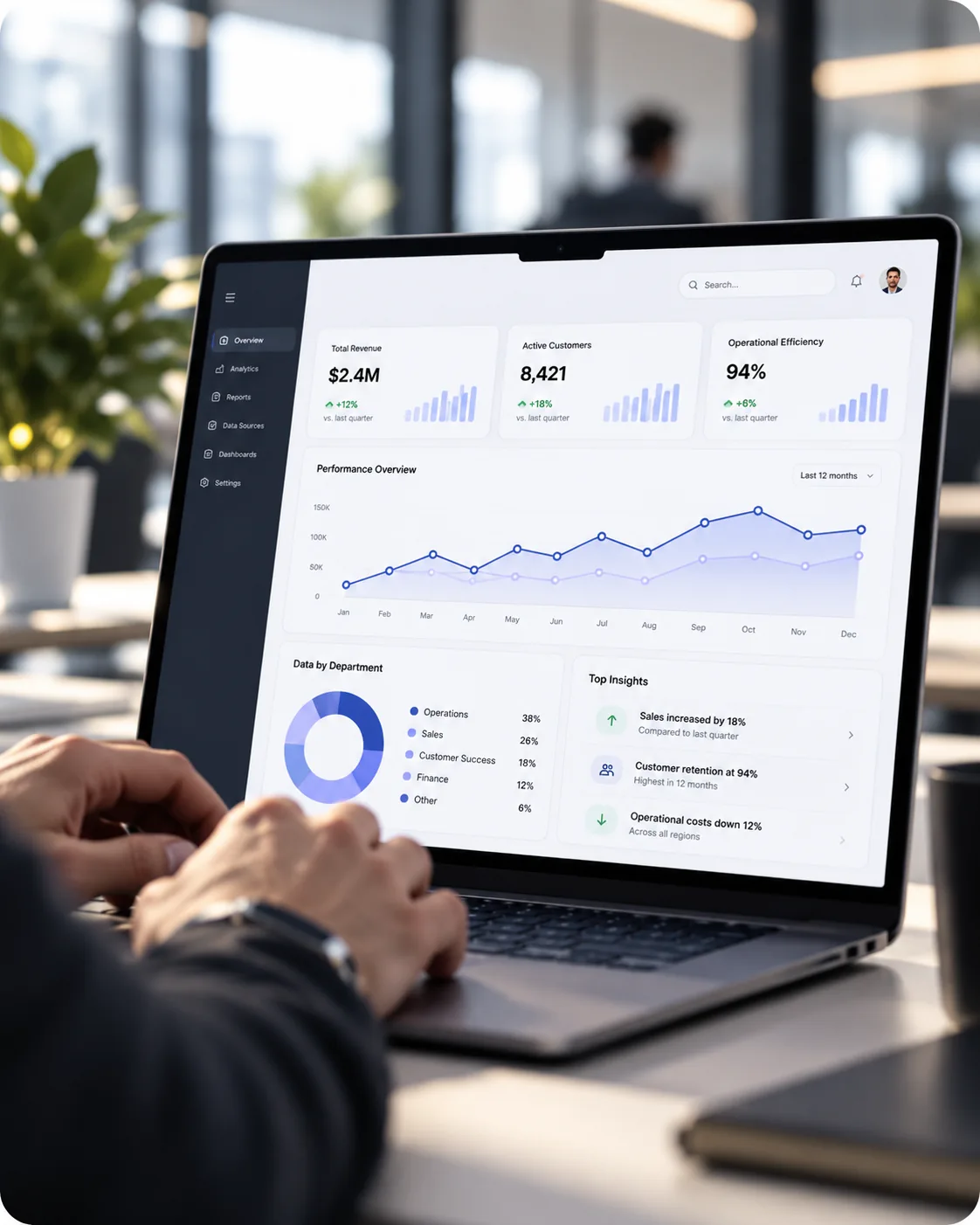

Common situations businesses face, with examples of how technology could help. These are not claims about completed customer projects.
BUSINESS SCENARIO / 01Management reportingBUSINESS SCENARIO / 02Operations analysisIllustrative use cases only. Results depend on each business and the agreed project scope.
We choose tools and platforms based on your workflow, goals and technical requirements.
We begin with your business needs and work toward a practical, supportable solution.
Discuss Your ProjectClear answers before you plan your next technology project.
Power BI turns business data into interactive reports and dashboards. It can help managers review sales, costs, performance and trends more clearly when reliable data is available.
We can assess Excel and SQL Server data sources as well as accounting system exports or integrations. The method depends on access permissions, connectors, product capabilities and licensing.
Automated refresh may be possible depending on the data source, infrastructure and Power BI licence. We confirm the refresh method and limitations during the assessment.
Role-based access and report permissions can be designed around your organisation, subject to the tools and licences selected. Sensitive information should be accessible only to authorised users.
Good reporting starts with trustworthy data. We normally review the existing files, definitions and business KPIs first, then identify any cleanup or integration work required.
Have a question about your situation? Talk to Techman directly.
Ask Techman on WhatsApp →